I wanted Sign in with Apple. I put a passkey instead
ContenidoContents
I wanted to sign in to portal.sergiocomeron.com with Sign in with Apple. The portal is the Jitsi plugin account: licences, signup, telemetry. Custom PHP, username and password, no SSO. What I wanted was not federated identity. It was Face ID and in.
I did not ship that. On 26 August I put a passkey on it. Here is what it is, why not Apple, and how you add one, with what is on the portal now.
What a passkey is, in plain terms
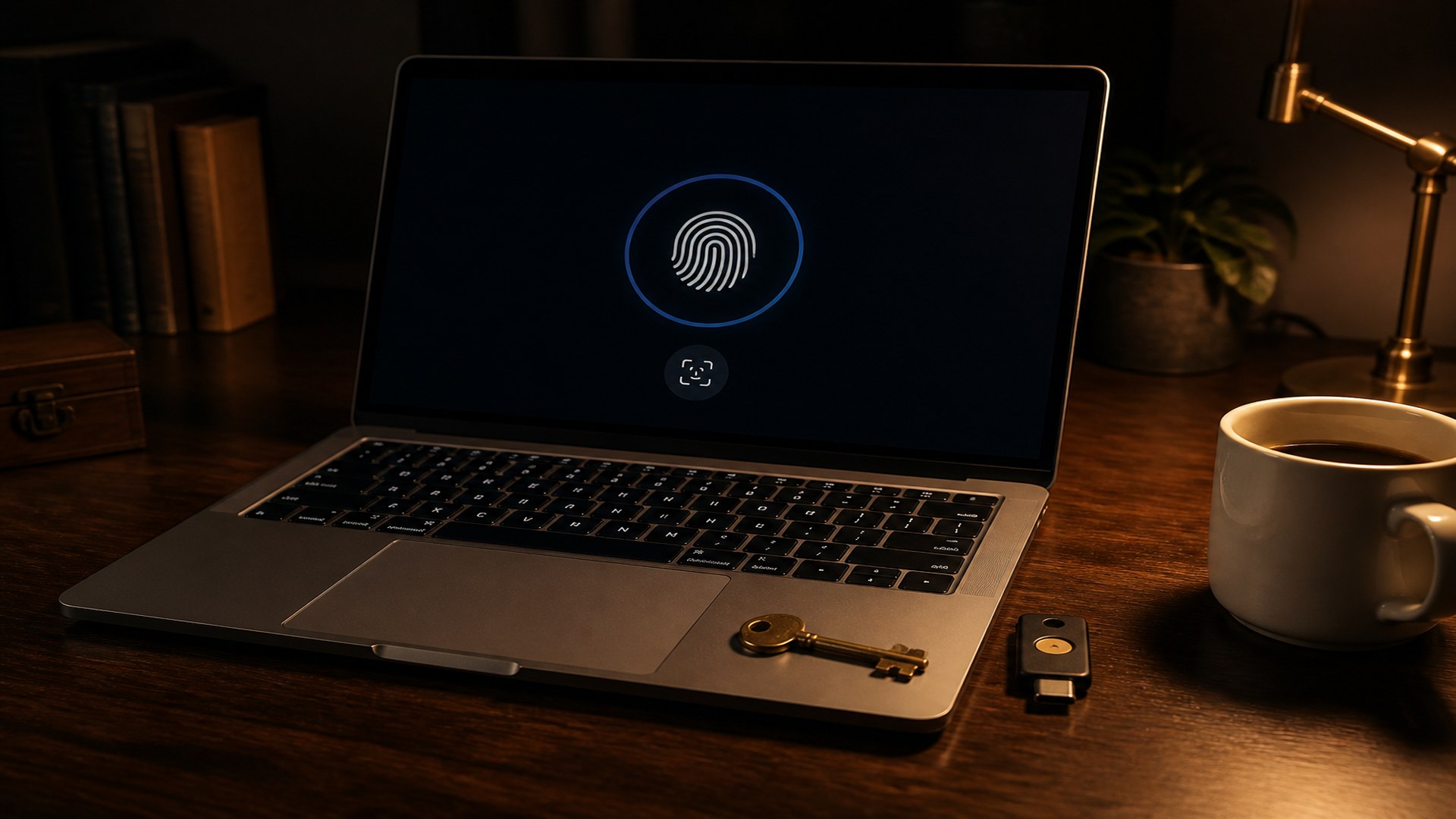
A passkey is a cryptographic key that lives on the device. On an iPhone or a Mac, in the Secure Enclave. The browser asks Face ID or Touch ID to sign a challenge. The server checks that signature against the public key it stored at registration.
Apple, here, is the keychain. It is not the identity provider. There is no Apple account in the middle. There is no redirect to Apple’s page.
The standard is called WebAuthn. The browser has two gestures: one to register the key and one to sign in.
Why not Sign in with Apple
Sign in with Apple is for letting anyone sign in with their Apple account. That means the developer programme, a services identifier, a verified domain, a return URL and a JWT secret you have to mint and rotate. Cloudflare Access, which I already put in front of other things, does not offer Apple as a first-class provider. You can force it, and it is brittle.
The portal did not need that. It needed me not to type a username and password every time I open the panel. That is unlocking the phone. A passkey.
What has to be right first
WebAuthn is strict about origin. If this is wrong, nothing else matters.
The site has to be HTTPS. Locally the browser forgives you. On a real hostname it does not. The portal already goes out through a Cloudflare tunnel.
The site identifier (RP ID) is the hostname and nothing else. On the portal: portal.sergiocomeron.com. Not www, not the parent domain, not an IP.
The origin is that same URL with https, no trailing slash and no other port. If it does not match, PHP says the request is not valid.
The private key never leaves the Enclave. What you store is the credential id, the public key and a counter. That goes outside the directory Apache serves. On the portal it is a JSON file in the home directory, readable only by my user. The password stays: if Safari fails, I am not locked out.
How you put it in
In the app directory, PHP 8.3, install the lbuchs/webauthn library with Composer. You do not need a framework.
You set four facts: the JSON path, the hostname, the name the device will show (on the portal, «mod_jitsi Account»), the origin, and how long the challenge lives. On the portal the challenge expires after 120 seconds and is used once.
There is one endpoint, POST only, JSON. Four operations:
- Ask for registration options. Only if there is already a session. If not, 401.
- Confirm registration and store the public key. Also with a session.
- Ask for sign-in options. If there is no passkey yet, 400, and the button on the door is not drawn.
- Check the signature and open the same session as the usual login.
The add button sits in My account, behind the login. Nobody registers a passkey from outside. Listing and deleting also need a session.
On register, the server sends the challenge and asks for three things: a resident key (Safari can find it on its own), real Face ID or Touch ID, and the platform authenticator, not a USB key. It signs with ES256. If that user already has passkeys, they are excluded so the same one is not stored twice.
The user identifier WebAuthn sees is not the username in the clear: it is a hash of the hostname and the user.
On sign-in, the portal reuses the password-login rate limit (ten failures per hour per IP). If the signature is good, it writes the same session as the form: signed in, id, user and role. After that it does not care how you got in.
A passkey is a device. The Mac is not the iPhone. You register both. WebAuthn does not share keys across hostnames: another site is another hostname, origin and JSON.
How you use it on the portal
- Sign in to the portal with username and password.
- Open My account.
- Tap Add passkey.
- Confirm with Face ID or Touch ID.
- Sign out. The login now shows Sign in with passkey.
For another device, the same first four steps from that device.
What this is not
It is not a qualified signature. It is not eIDAS. It does not replace an identity provider if you have invites, offboarding and a legal team.
If this had to be the login for every Moodle that uses the plugin, it falls short: recovery, names, who revokes. For how I sign in, with the password as fallback, yes.
Sign in with Apple would have solved a problem I did not have. The passkey solved the one I did: not wanting to type.